

Receipt scanning
Snap a photo of a grocery or restaurant receipt to give your spending something to answer for.
Spending meets comedy
Turn grocery and restaurant receipts into a savage, shareable personality profile. For 18–30-year-olds who'd rather laugh at their spending than make finance feel like homework.
premium tier$4.99per monthScan receipts. Get a shareable roast card.
Every receipt has a personality
The app
A receipt goes in. A funny personality profile comes out. Your grocery cart finally gets to explain itself.
Snap a photo of a grocery or restaurant receipt to give your spending something to answer for.
Forward an e-receipt to a dedicated email address instead of photographing paper.
AI turns your receipt spending into a savage, funny personality profile.
Get a shareable card that makes your spending the punchline.
What goes into the roast
Inside
Your everyday food spending becomes material for something a little less serious than another budget spreadsheet.
From the owner
Necat's idea puts the funny side of your spending front and center.
 NecatOwner of Receipt Roast
Personal finance is a huge category, but most apps feel like homework. Receipt Roast sits between finance and entertainment, an underserved gap.
How it works
Example roasts
Illustrated examples of the spending quirks that make good roast material—not customer stories.
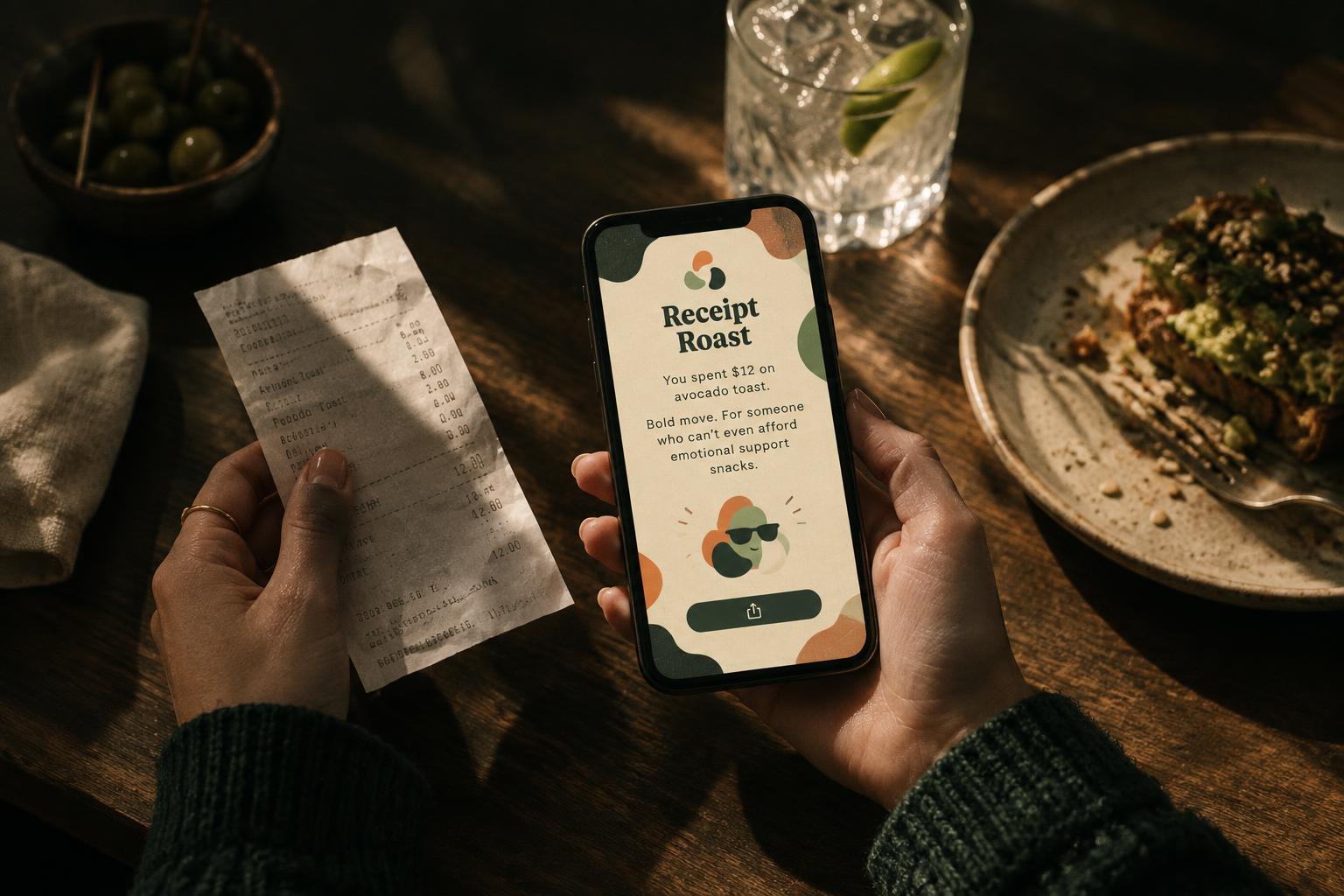
A restaurant receipt becomes material for a roast. Brunch comes with a side of self-awareness.
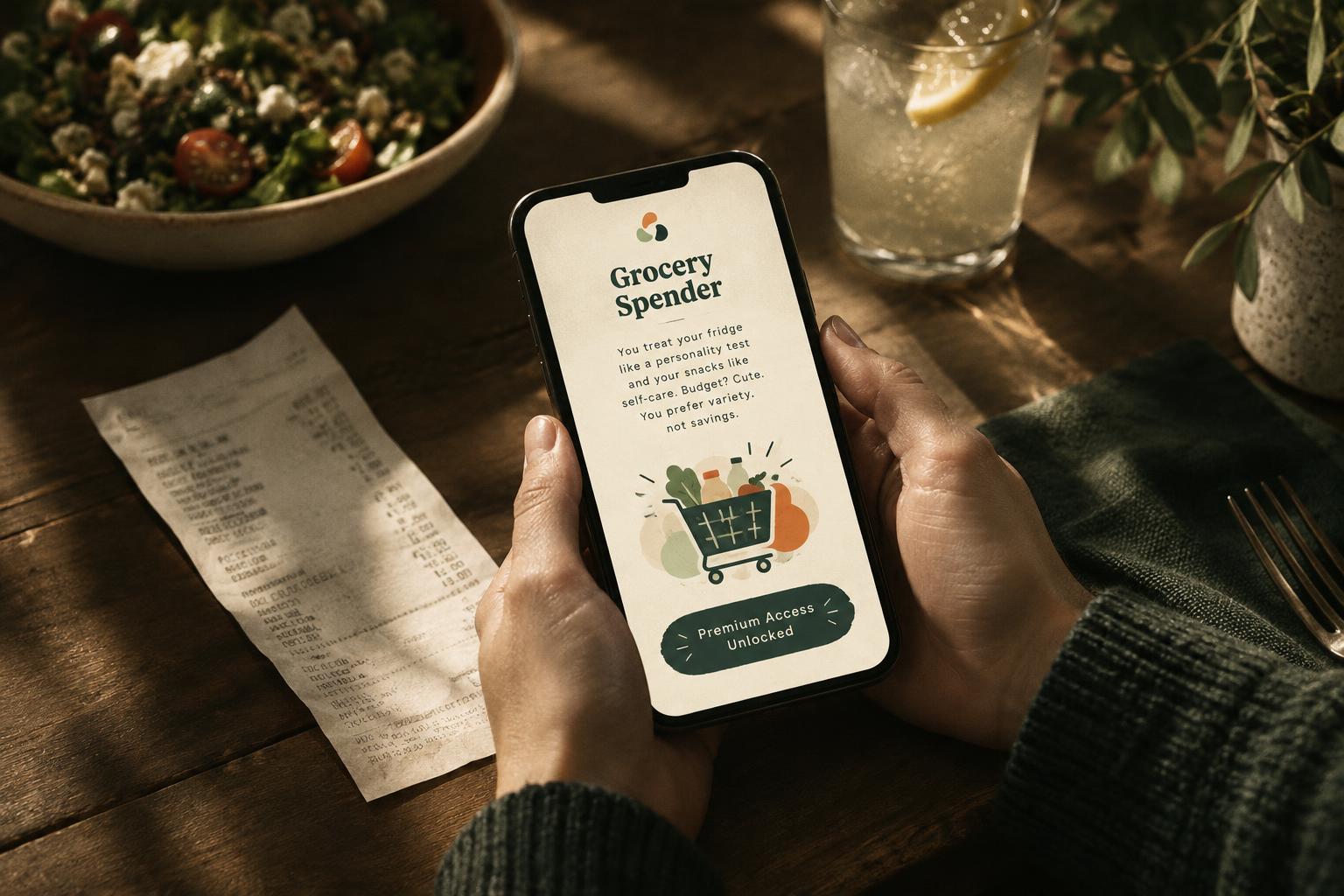
Snacks, staples, and questionable priorities: a grocery receipt has plenty of material for a funny personality profile.
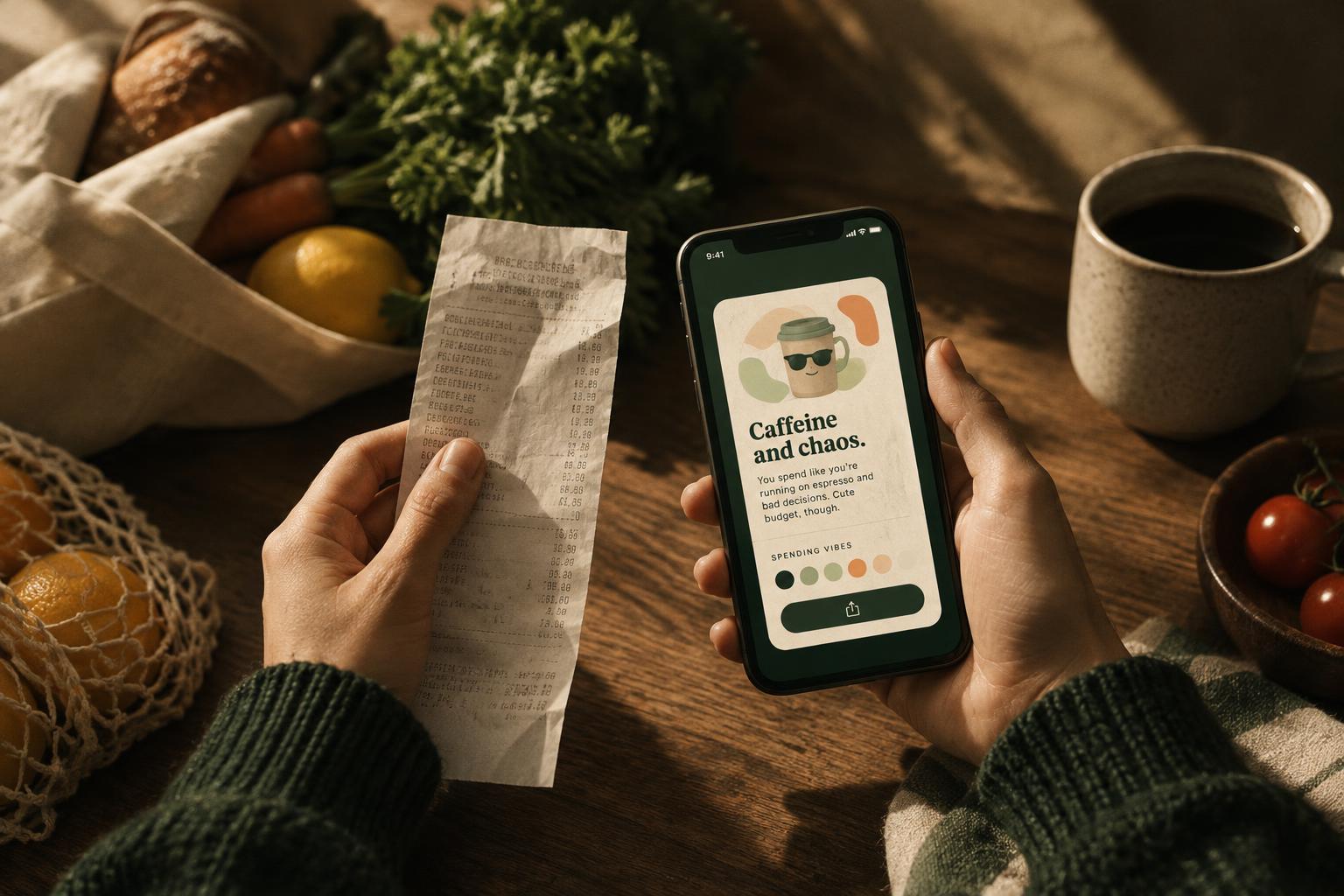
An illustrated coffee-themed roast card turns everyday spending into a joke worth sharing.
Questions
The basics on receipts, roast cards, and what premium access includes.
Primarily 18–30-year-olds who enjoy joking about their spending online. Couples, roommates, and food, budgeting, or comedy creators are also part of the intended audience.
Premium access to the app, which scans grocery or restaurant receipts and creates a funny, shareable roast card. It's billed monthly.
Snap a photo of a grocery or restaurant receipt, or forward an e-receipt to a dedicated email address.
Receipt spending is used to generate your roast. Storage, retention, and deletion details aren't specified on this page.
This is a monthly subscription. Cancellation instructions and terms aren't specified on this page.
The documented inputs are receipt photos and forwarded e-receipts. Integrations with budgeting tools aren't specified.